What you can use before choosing a plan
The demo dashboards, free brand audits and the Google Search Console MCP Server: what works without a plan, and what a plan adds.
Updated
On this page
Everyone with an account gets the whole app. Without a plan, the dashboards show a demo project instead of your own numbers, and two tools work in full for free: Audits and the MCP Server. Tracking your prompts every day or week is what a plan adds.
Demo dashboards
Overview, Prompts, Competitors and Sources carry a Demo label in the sidebar until the project is tracked. They show a sample project, so you can see what each report looks like and how its filters work before you pay for anything.
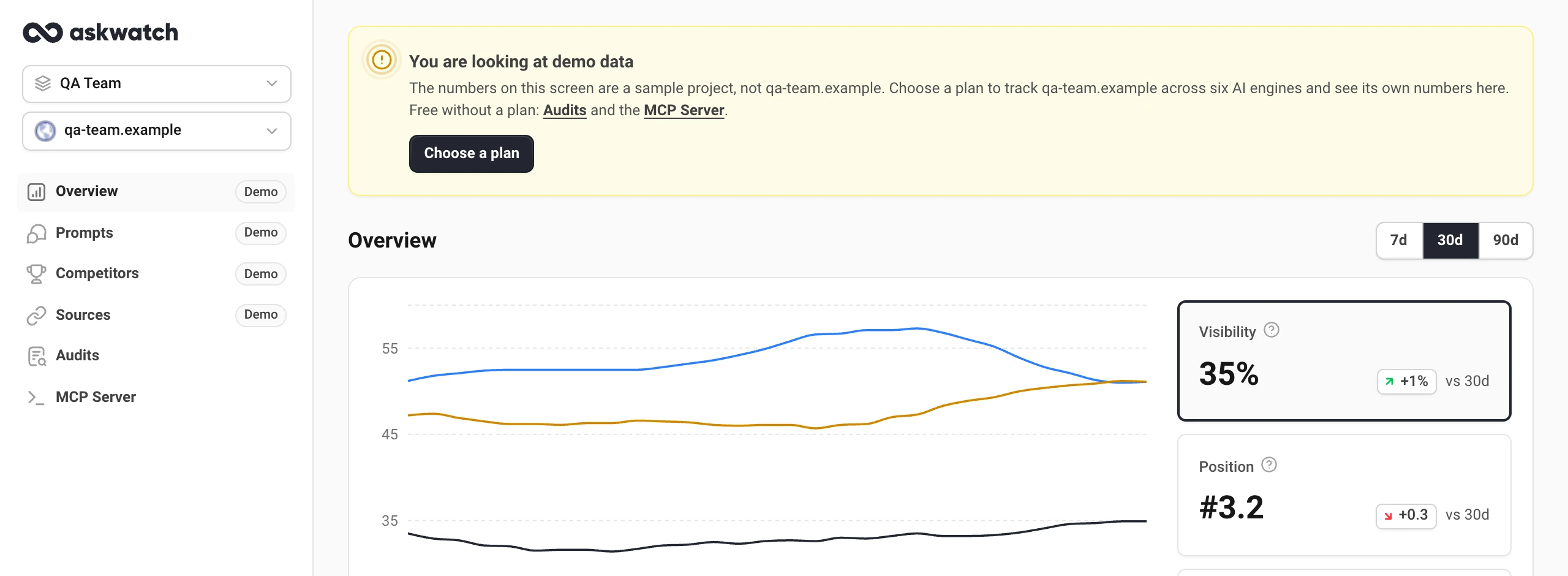
A yellow banner over each demo screen says so, and offers the next step:
- With no plan, Choose a plan opens the plans. See Choose a plan.
- With a plan but no tracking on this project, Start tracking opens the project's Prompts settings.
- If you cannot choose a plan yourself, the banner asks you to talk to the owner of your organization.
Once tracking starts, the Demo labels and the banner go away and the screens show the project's own answers. If a plan ends, a tracked project keeps its numbers up to the last run under a Tracking has stopped banner.
Audits
An audit is a one-time check of how AI answers about a brand: every engine, a set of real buyer prompts and a report in a few minutes. Run it on your own site, a competitor's or a client's.
- Open Audits in the sidebar.
- Enter the site, like yourbrand.com, and choose Run audit.
- Pick the engines and confirm. The report builds in a few minutes, and we email you when it is ready.
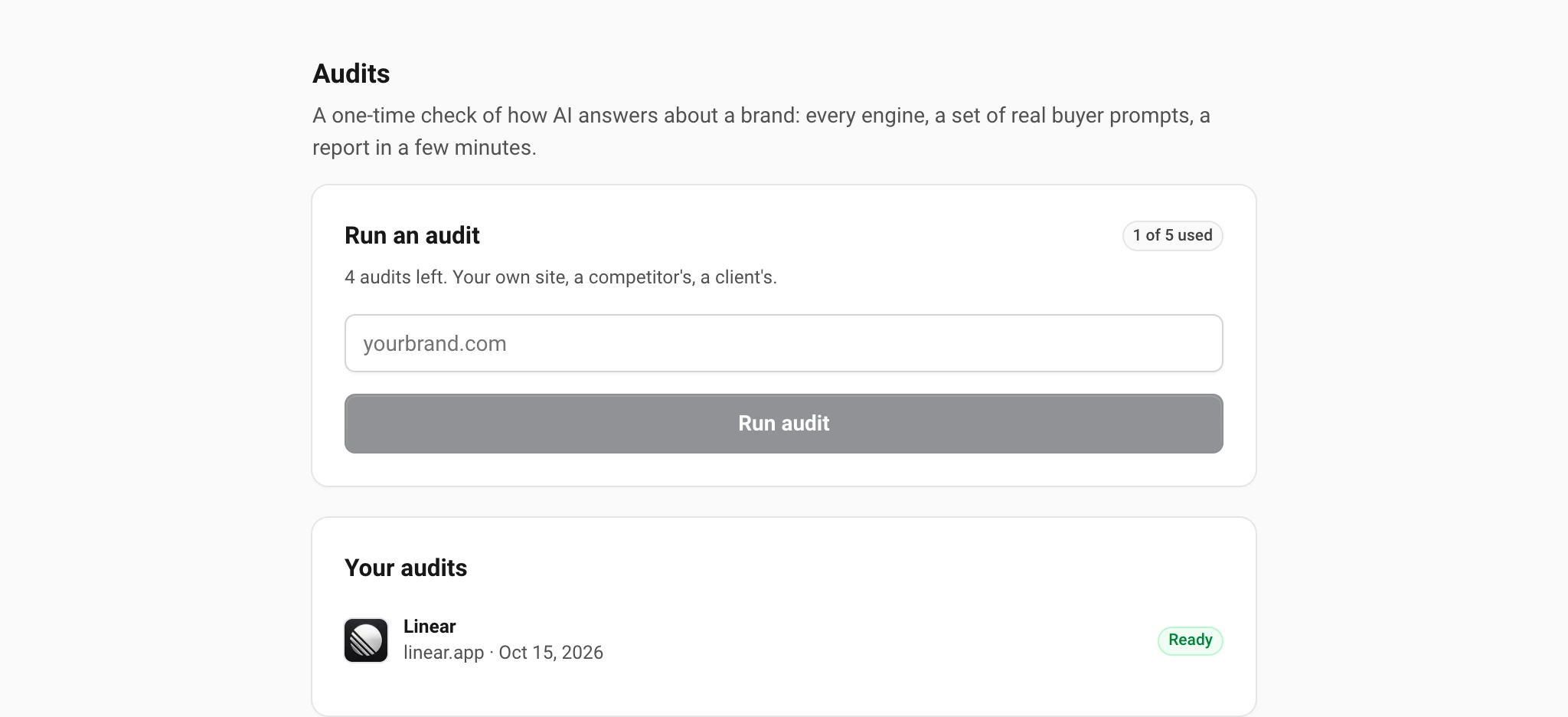
A finished audit opens inside the app from Your audits. The list belongs to your account, so it is the same on every project. Each account can run five audits.
MCP Server for Google Search Console
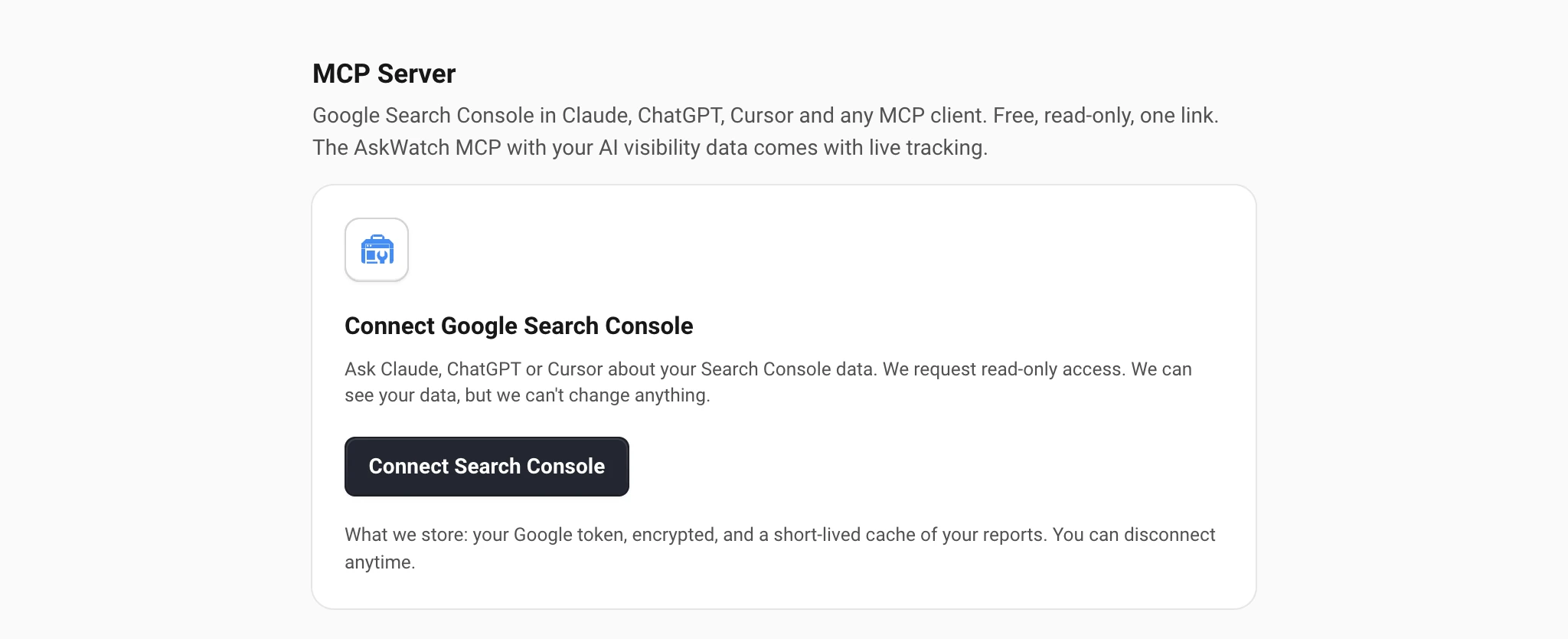
The MCP Server puts your Google Search Console data into Claude, ChatGPT, Cursor and any other MCP client. It is free, read-only and works through one private link.
- Open MCP Server in the sidebar and choose Connect Search Console.
- Sign in with the Google account that has your Search Console properties and allow read-only access.
- Copy Your personal MCP link and add it to your AI assistant. The screen has step-by-step instructions for each client.
Keep the link private: anyone with it can read the properties it covers. Regenerate link replaces it and stops the old one at once. Disconnect removes our access to your Google account.
What a plan adds
A plan tracks your own prompts across six AI engines, daily or weekly, and fills the four dashboards with your numbers: how often AI names you, where in the answer, in what tone, next to which competitors and citing which pages. See Overview: visibility, position and sentiment for what the dashboards show, Turn on tracking for how tracking works and Choose a plan for the plans.
Still have a question?
Write to hello@askwatch.ai. A person answers.