

AI Search Visibility Checker for Chrome
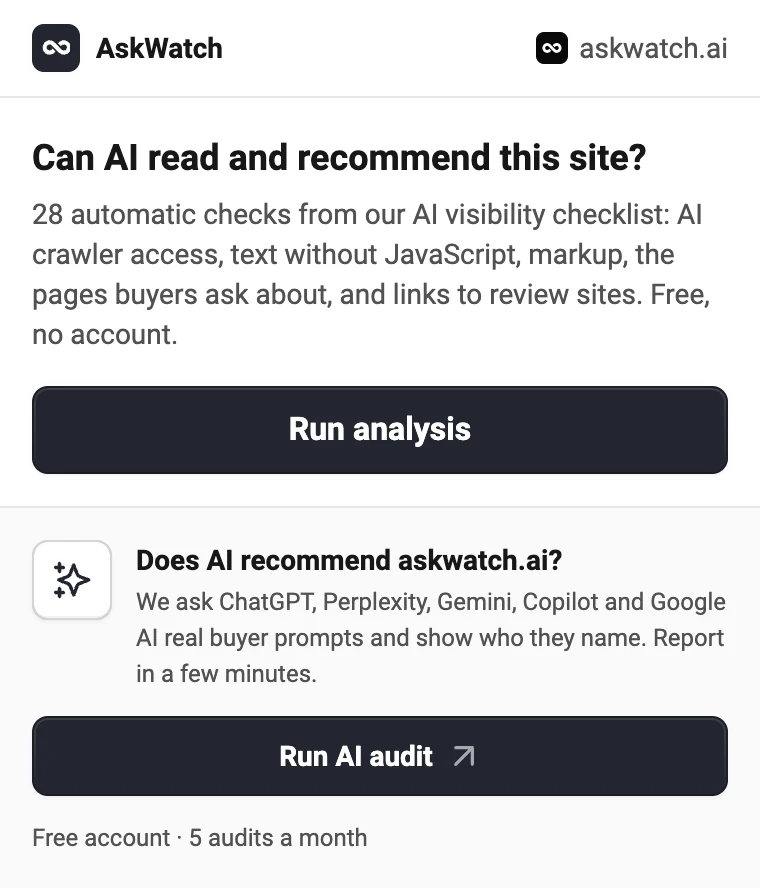
Open any site, click AskWatch and see what stands between it and AI answers: 28 checks of crawler access, readability and the pages buyers ask about.
Free · No account for the checks · Chrome, Edge, Brave and Arc
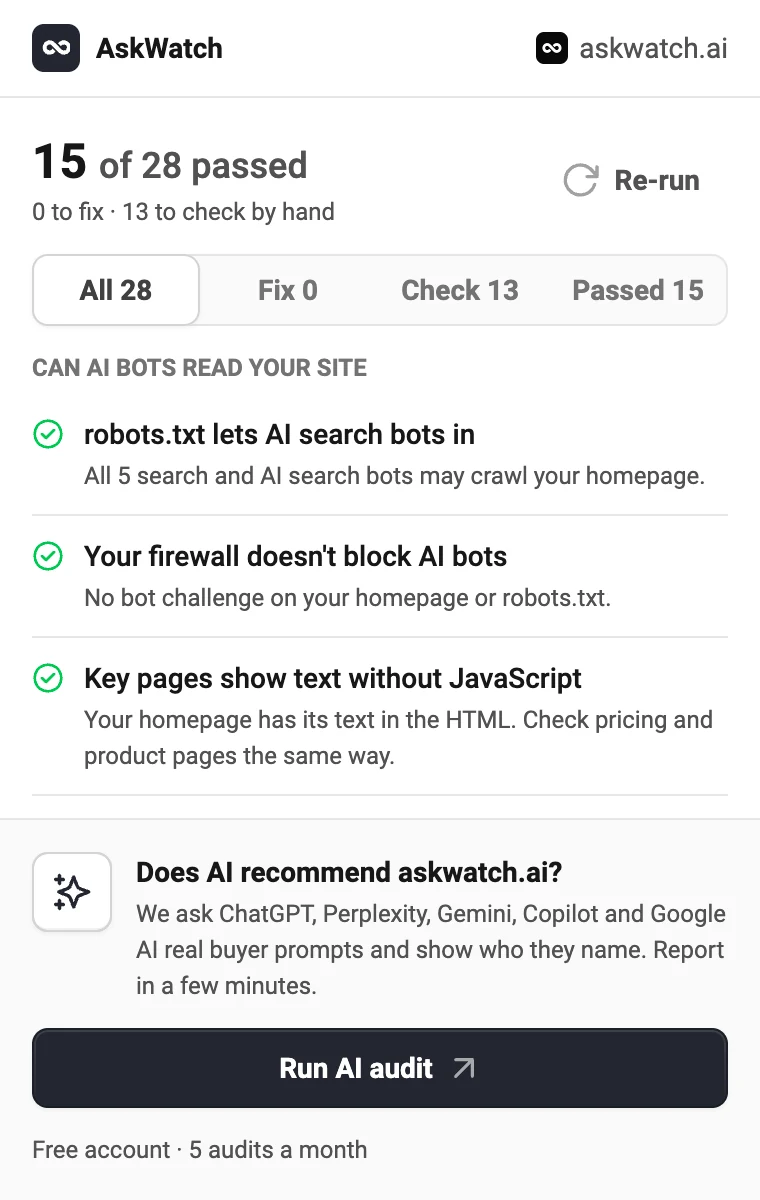
28 checks in one click
The automatic part of our 37-point AI visibility checklist. Each check says what it found on the site and what to do about it, sorted into to fix, to check and passed.
Can AI bots read your site
Whether AI crawlers get in and can read the page without running JavaScript.
- robots.txt lets AI search bots in
- Your firewall doesn't block AI bots
- Key pages show text without JavaScript
- Your sitemap lists your key pages
- Title and meta description say what you sell
- Your key pages show up in Bing
- Organization markup on your homepage
- Product or SoftwareApplication markup
- Optional: an llms.txt file
What your site says
Whether the site says what it sells and answers the questions buyers ask AI.
- The first lines say your category and audience
- Each product or use case has its own page
- Prices are on the site
- One description everywhere
- A page per audience
- "You vs X" pages for your main competitors
- An alternatives or "best X" page
- An FAQ with real buyer questions
- An integrations page
- Customer stories with numbers
- Reviews on G2, Capterra or Trustpilot
- An about page
- A security and compliance page
- Key pages are kept up to date
- Headings say what follows
- Key pages are linked from your homepage
Off your site: what other sites say about you
Whether the site points to the profiles AI checks facts against.
- Complete G2 and Capterra profiles
- Your LinkedIn page says the same as your site
- Crunchbase and directories are filled in
Then ask the AI itself
A site AI can read is not yet a site AI recommends. The AI audit asks the engines what buyers ask, and shows who they name.
Six AI engines, real buyer prompts
ChatGPT, Perplexity, Gemini, Copilot, Google AI Overviews and AI Mode answer the prompts a buyer would ask in the brand's category.
Who gets named, and from which pages
The report shows the brands each answer names, in what position and tone, and the pages the engines cite. Ready in a few minutes.
Free account, 5 audits a month
Sign in with a code sent by email, no password. The popup shows how many audits you have left this month and opens reports you already ran.
Only runs when you click it
The extension needs no access to the sites you browse. Our server reads the site you ask about, the way our other free tools do.
Nothing in the background
It does nothing until you click its icon, and it never runs on its own.
Only the domain leaves
A click sends the domain of the open tab to AskWatch. Our server checks that site's public pages.
No browsing history
It does not read the pages you visit or record where you go. See section 4.5 of our Privacy Policy.
Frequently asked questions
Yes. The 28 checks are free and need no account. The AI audit needs a free AskWatch account and includes 5 audits a month. Paid plans are only for tracking a brand in AI answers every day.
Whether robots.txt lets the search and AI search crawlers in, whether a bot challenge blocks them, whether the homepage has its text in the HTML without JavaScript, the sitemap, title and meta description, Organization and Product markup, llms.txt, the pages buyers ask about (pricing, comparisons, alternatives, FAQ, integrations, customer stories, about, security) and links to review sites, LinkedIn and Crunchbase. They are the automatic part of our 37-point AI visibility checklist.
A report on how AI answers about the brand. We ask ChatGPT, Perplexity, Gemini, Copilot, Google AI Overviews and AI Mode the prompts a buyer would ask in the brand's category, then show which brands they name, in what position and tone, and which pages they cite. It takes a few minutes and opens in the AskWatch app.
No. It does nothing until you click its icon. Then it sends the domain of the open tab to AskWatch, and our server checks that site's public pages. It does not read the content of the pages you visit, record your history or run in the background. The details are in our Privacy Policy, section 4.5.
Chrome, and browsers that install extensions from the Chrome Web Store, such as Microsoft Edge, Brave and Arc.
Yes. The checks read any public website you open, and an AI audit can be run for any brand: yours, a competitor's or a client's.
Other free tools
- Open tool
AI Visibility Checker
Check if ChatGPT, Gemini, Perplexity and Google AI name your brand, and get your AI visibility score.
- Open tool
AI Overview Checker
See if Google AI Overviews cite your site, which of your pages they pick, and who is cited instead.
- Open tool
Perplexity Visibility Tracker
Track whether Perplexity cites your site and names your brand in its answers.
- Open tool
ChatGPT Visibility Tracker
See if ChatGPT mentions your brand and where you rank in its answers.
- Open tool
Gemini Visibility Tracker
Check if Google Gemini mentions your brand and who it names instead.
- Open tool
Google AI Mode Visibility Tracker
See if Google AI Mode names your brand and which pages it cites.
- Open tool
Copilot Visibility Tracker
See if Microsoft Copilot mentions your brand and cites your site.
- Open tool
llms.txt Generator
Write an llms.txt for any site from its sitemap and page descriptions. No model, no watermark, checked against the spec.
- Open tool
llms.txt Checker
See whether a site's llms.txt exists, follows the spec, has live links and is not blocked for AI crawlers.
- Open tool
robots.txt Generator
Create a robots.txt in a minute: block AI training, stay in AI search, add paths and your sitemap. Tested before you download it.
- Open tool
robots.txt Tester
Test any URL against robots.txt for Googlebot and 20+ AI crawlers, and find the line that decides each one.
- Open tool
AI Crawlers List
Every AI crawler with its user agent, IP list and robots.txt token, and whether your site lets each one in.
- Open tool
Google Search Console MCP
Ask Search Console in plain language from Claude, ChatGPT, Cursor or Claude Code. No Google Cloud project.
Track what AI says about your brand
The extension checks one site at a time. AskWatch asks ChatGPT, Perplexity, Gemini and Google AI your buyers' prompts every day and shows who they name.
- Free, no credit card.
- Report in minutes, link sent to your email.