Competitors and brand spellings
How to add competitors to track next to you, add the other ways AI writes a brand's name, and pick up brands the engines name on your prompts.
Updated
On this page
Every answer is read for your brand and for the competitors you track. The Competitors report compares you with them, so the list should hold the brands a buyer puts on the same shortlist as yours. This article covers adding them, and the spellings that make sure every mention counts.
Your brand's spellings
Open the project's Competitors tab in Settings. Your brand comes first: answers are read for the project's brand name, which you change on the General tab.
AI answers do not always write a name the same way. Under Also written as, add the other ways yours appears, separated by commas: a short form, a product name, the domain (for example AskWatch HQ, askwatch.com). Choose Save. Every spelling counts as a mention of you.
Add a competitor
- Choose Add competitor.
- Enter the Name, the Website, and in Also written as the other spellings, separated by commas.
- Choose Add competitor.
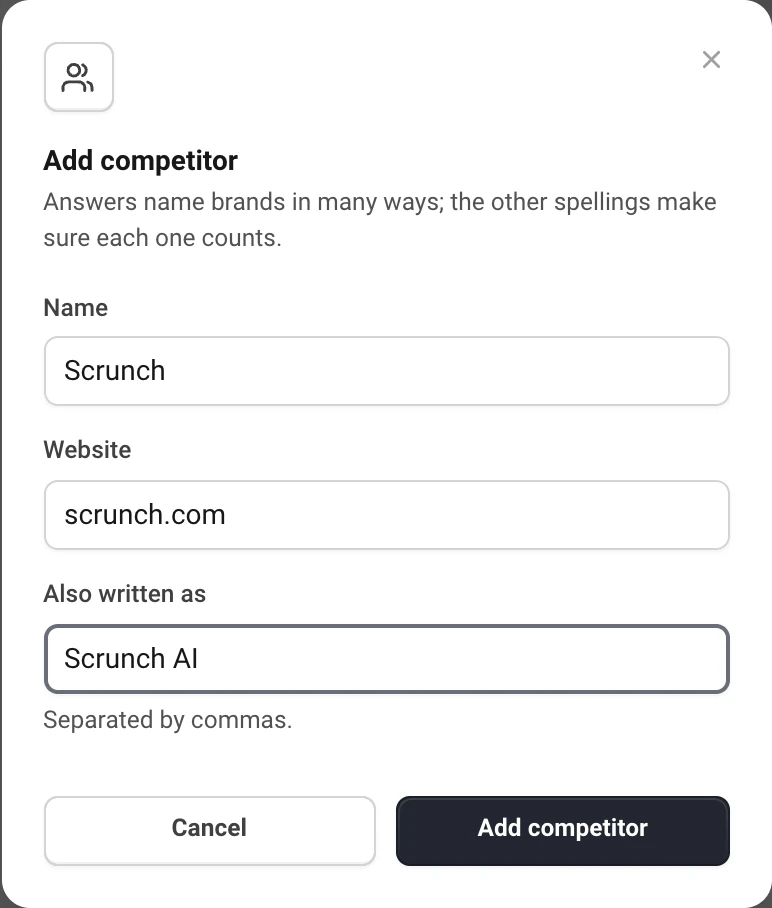
A new competitor or a new spelling also applies to the answers you already have: its history starts from the first answer that named it, not from today. A project tracks up to 50 competitors, each with up to 20 spellings.
The name cannot be changed once added; the pencil changes the website and spellings. To change the name, remove the competitor and add it again.
Brands named in your answers
Below your list, Named in your answers shows the brands the engines named on your prompts in the last 30 days that you do not track yet, with how many answers named each. Brands that look like direct competitors come first. Add opens the same window, filled in.
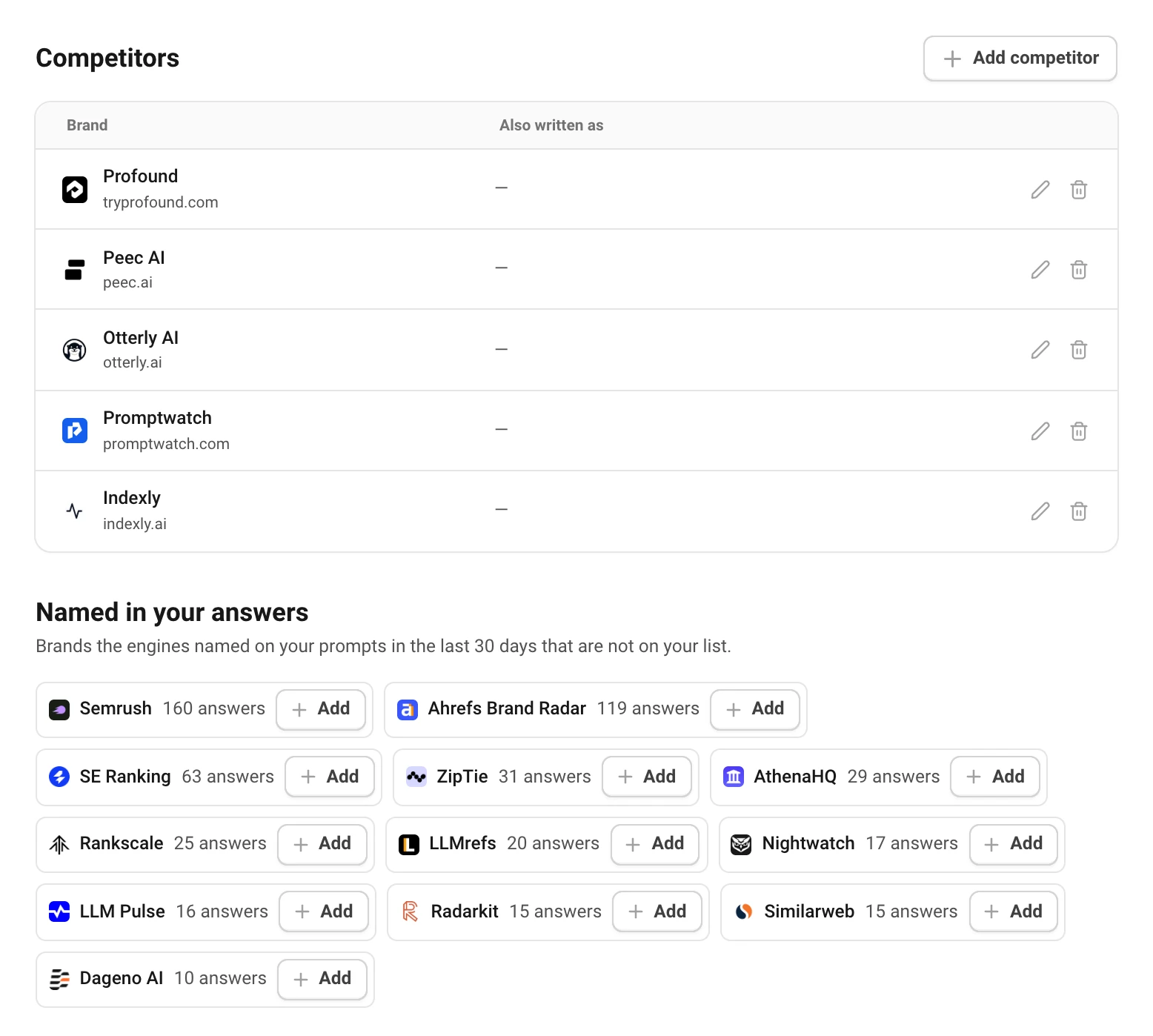
Not every brand there is a competitor: answers also name tools, integrations and directories. Add only the ones a buyer would choose instead of you.
Remove a competitor
The trash icon removes a competitor. Answers stop being read for it, but its history stays and comes back if you add it again.
Still have a question?
Write to hello@askwatch.ai. A person answers.